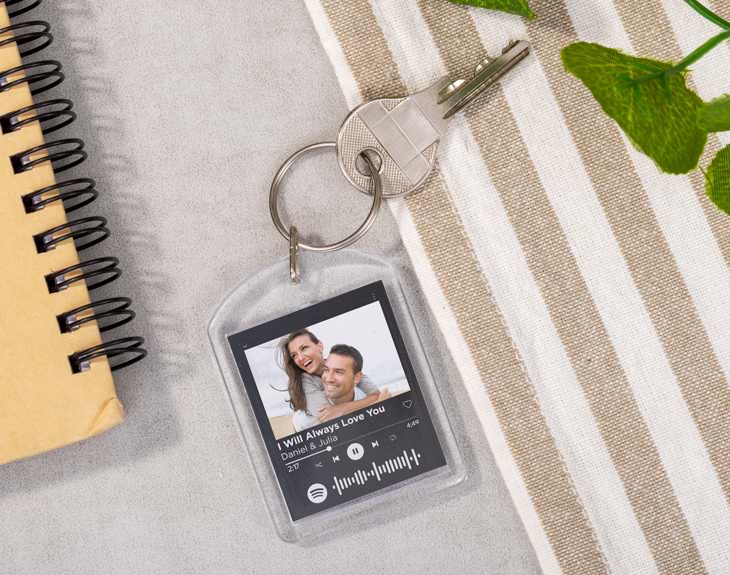
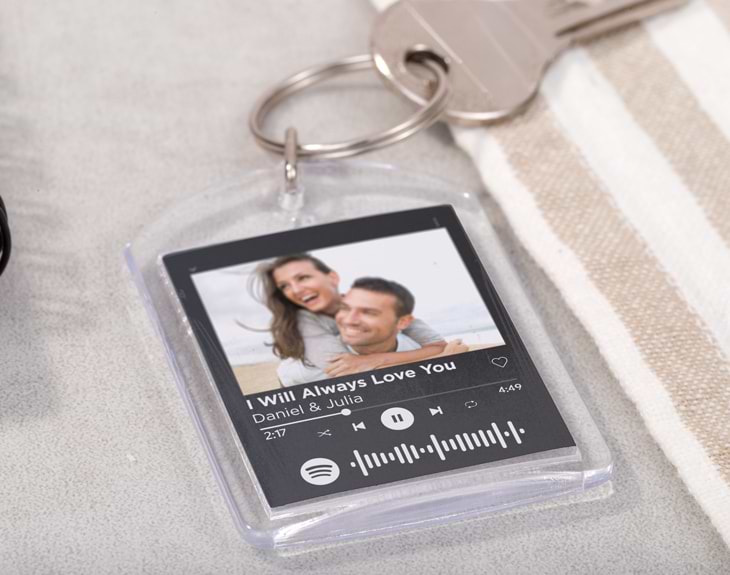
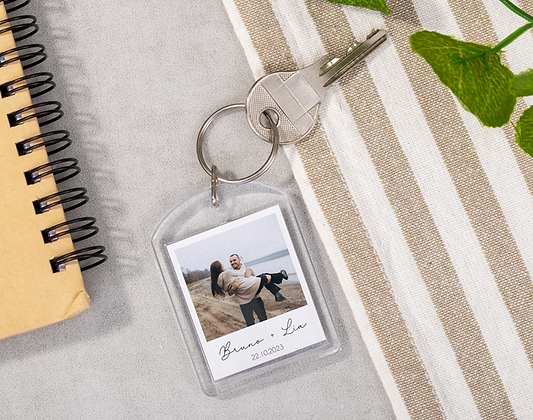
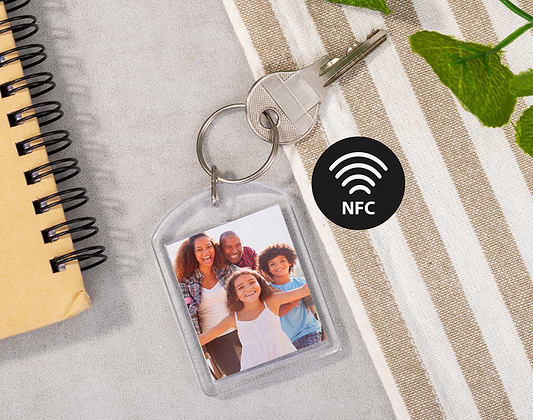
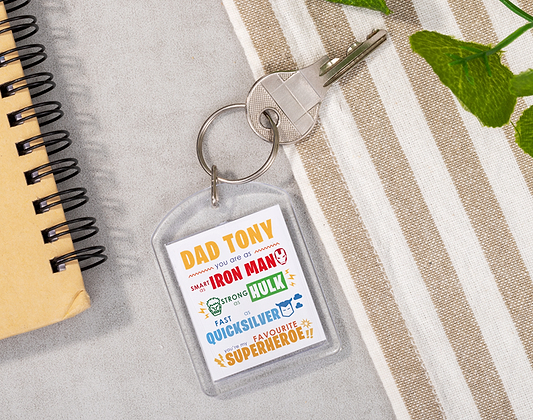
Valentine's Day is to remember how much you love your soulmate and all the nice memories you lived together. You must have some unforgettable moments you always talk about: that first date, that first trip, when you moved together... Do you remember the song that connects you both? Now you can always have it with you wherever you go thanks to this customised transparent keychain. Every couple has that one song that they can't stop singing every time it comes on, that irreplaceable song that makes you get excited just by listening to it. If you want to have that exciting song on your keychain, we have this original gift for you. Customise the design by adding your best photo, that song you can't stop listening to, and write your names - it'll be as if you were the singers! This Spotify music design will help you to always carry with you that special moment you never want to forget. A beautiful detail for this February 14th. How to customize your Spotify products? When it comes to customizing your products related to Spotify, you will have to answer a series of questions. This will allow you to create the most musical and original gift! When you get to the designer you will find the product template, with three sections (photo, text and Spotify code). To customize each one, you just have to click on each section (marked with a + sign) and fill in each field (photo uploading , text and spotify song). You can also modify the color of the text or its place in the design! When it comes to adding your song, you won't have any problems. Just type the song or artist you want into the Spotify code search engine and a series of results will appear. All you have to do is click on the song! Depending on the product, you can change the characteristics of the code: colour, background or place. How to scan the Spotify code? In order to discover what song is, you will have to open the Spotify application on your mobile phone and click on the "Search" section. At the top you will find a search engine, when you click on it you will see a camera icon in the right hand corner. Bring up the camera and hover it over the code. Your song will automatically play.
Share it
Select
15€
Add to cart