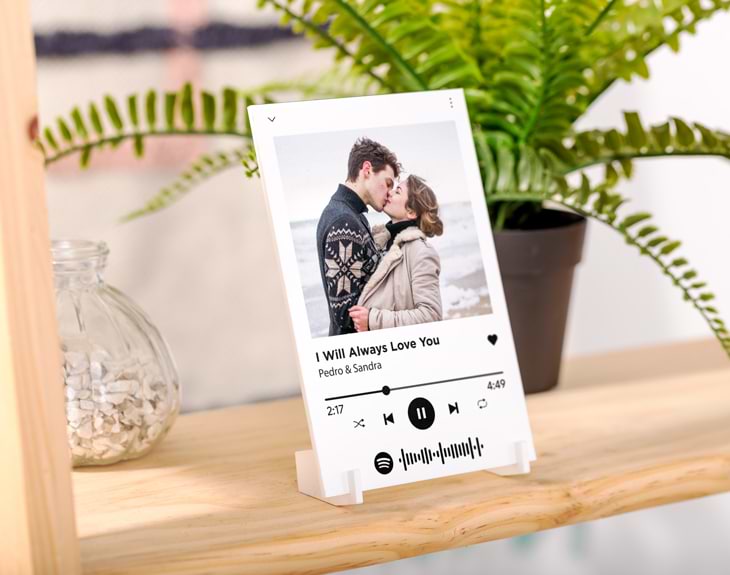
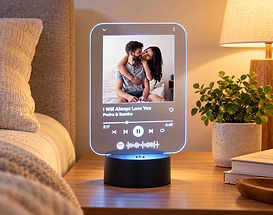
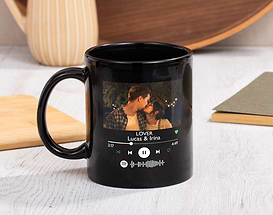
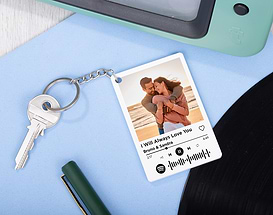
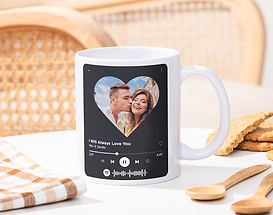
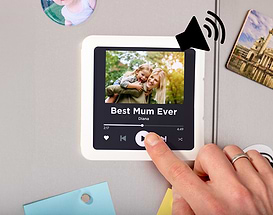
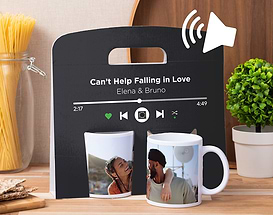
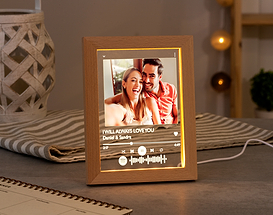
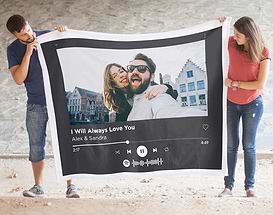
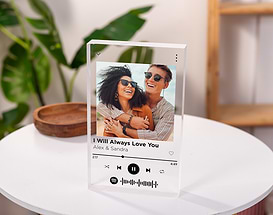
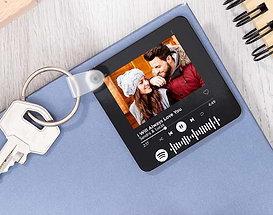
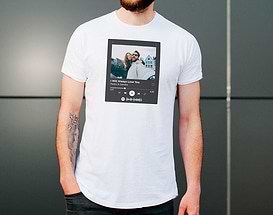
There are songs and moments that accompany you every day. Cleaning the house you start moving to the rhythm of Queen, at work you think about how much you miss your partner... Wouldn't you love to have that song and that special person even more present in those places? It doesn't matter if you don't have a cover or a photo frame. Both are combined in this Spotify personalised methacrylate plate with your favourite song and picture - even with the scannable code to play in the app! This slim plate is the tangible version of that music menu you use so much every day, now in the palm of your hand and with you as the main artist! You can customise this transparent sign with the Spotify player design. You choose which texts to include and which is the cover photo: that trip that deserves its own song, that photo with friends that looks like an album cover... With very little effort, you'll have the most original and musical photo frame. As this personalised Spotify photo frame is available in several sizes, it can be used as a paperweight, a bookmark or wall picture. In the small size, it even comes with little feet to hold it! So you can comfortably scan the code of the song that will be played on your mobile. Measurements: -Small 10x15cm (transparent base included). -Medium 21x29,7cm (A4) (base not included) -Large 30x40cm (base not included) Important: we recommend not to clean with liquids, only with a dry or slightly damp rag, and avoid chemical products. Important: this product is a replica of the Spotify playback design, but it is NOT a speaker. How to customise Spotify products? When customising your Spotify related products, you will have to answer a series of questions. This way... you'll have an original and musical gift! When you get to the designer you will find the product template, with three sections to customise (text, photo and Spotify code). To personalise each one, just click on each personalisation square. Once you have done this, you will only have to write the text and upload the photo to our server, you can change the colour of the text or its place in the design! When it's time to add that signature song, you won't have any problems. Just type the song or artist you want into the Spotify code search engine, and a series of results will appear. All you have to do is click on the song... and you don't have to do anything else! Depending on the product, you can change the characteristics of the code: colour, background or location. How to scan the code? In order to find out which song it is, you will have to open the Spotify application on your mobile phone and click on "Search". At the top you'll find a search engine, and when you click on it you'll see a camera icon in the right hand corner. When you click on it, the camera will open, just point it at the code and it will automatically play your song.
Share it
Select