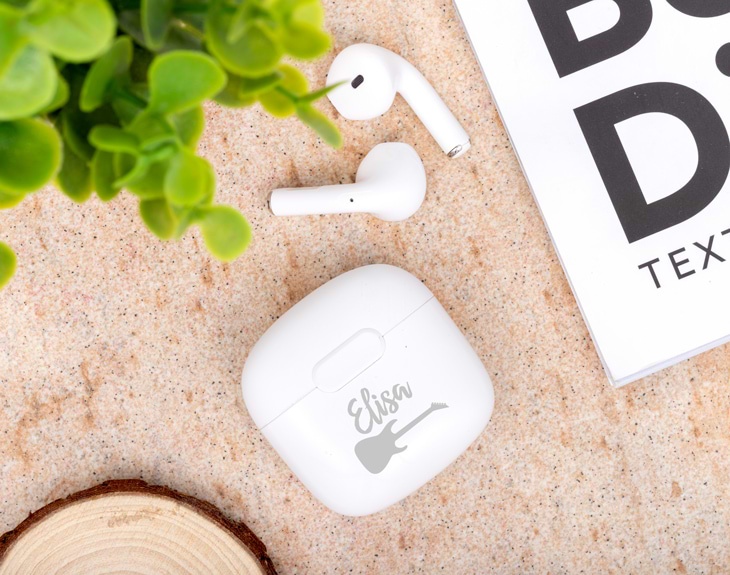
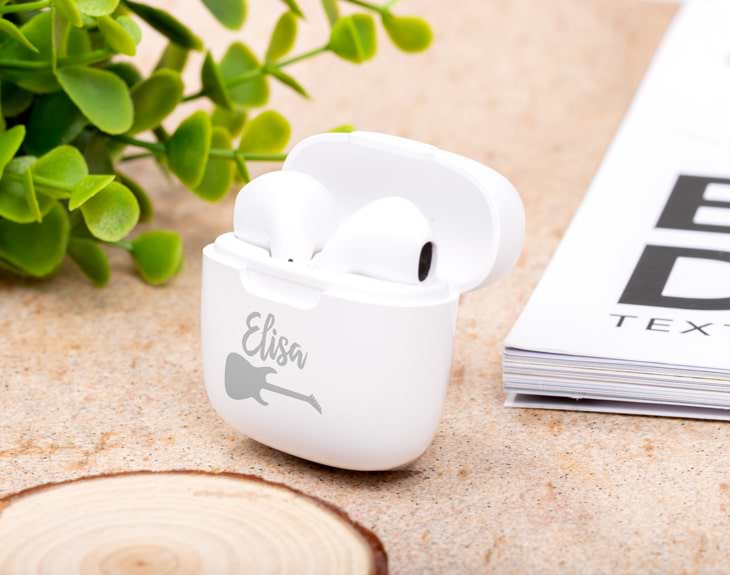
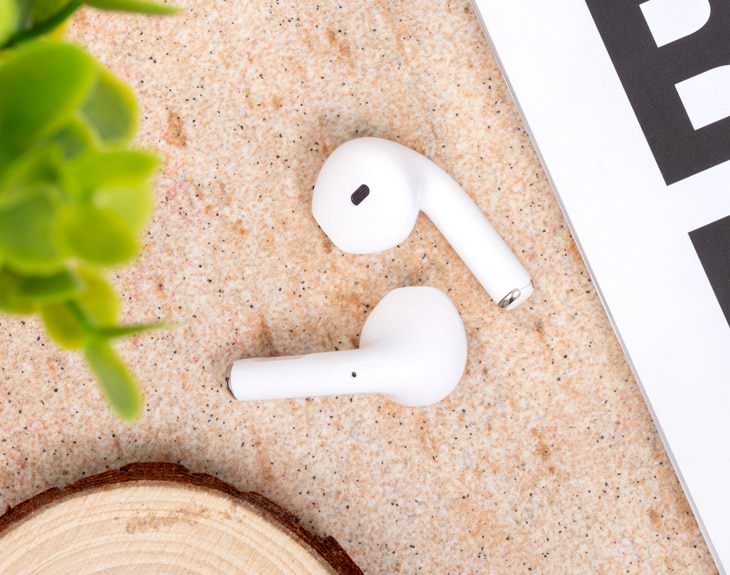
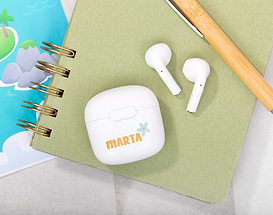
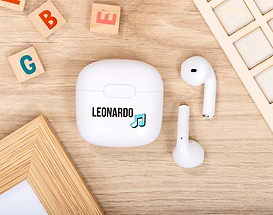
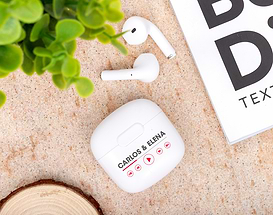
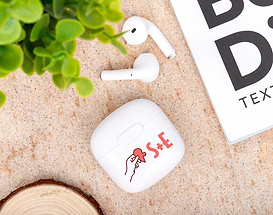
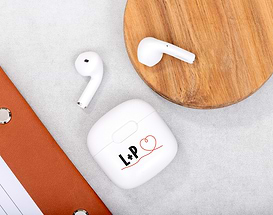
Are you looking for a gift that is pratical and original at the same time? We have what you need: our wireless earphones are the best option. They also have the perfect design for music lovers. Would you like to have unique wireless earphones? We add you name to the "Guitar" case. No more tangled earphones and calmly listen to your favorites songs! INSTRUCTIONS In order to connect your earphones for the first time, you must press and hold the multi-function button of both earphones at the same time until the indicators start to flash. This function indicates that both earphones are already paired. Subsequently, you must press the multi-function button twice in one of the helmets to enter synchronization mode. Once the device is fully synchronized, the blue and red indicator light on the headset will continue to flash, whereas on the other earphone, the blue indicator will flash every 5 seconds, which means that the synchronization was successful. From the Bluetooth menu, you must look for the device 6202 to have it paired with your phone. Once both devices are linked, the indicator light of both earphones will flash every 5 seconds. To turn it off, you simply have to press and hold the multifunction button on any of the earphones. Important: When using the earphones to talk on the phone, it will only be heard through one earphone, , in turn, if you use them to listen to music, it will be heard through both earphones. Keys on the controller: - Answer / End a call: Press the multi-function button once - Reject a call: Press and hold the multi-function button - Redial: Press the multi-function button twice consecutively to dial the number of the last call - Play / Pause music: Press the multi-function button once - Track change: Press the multi-function button for two seconds to go to the next track.
Share it
Select